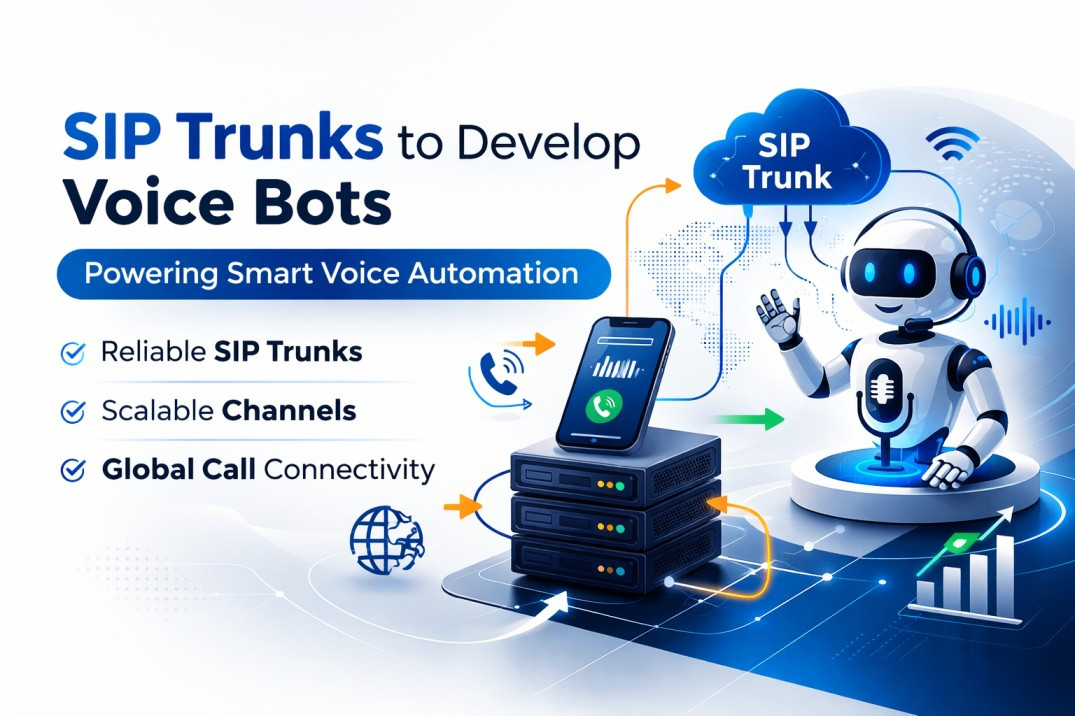
Business communication systems are rapidly transitioning from traditional hardware-based phone systems to cloud-based communication platforms. According to Statista, the global Unified Communications as a Service (UCaaS) market is expected to exceed $90 billion by 2027, growing at a compound annual growth rate (CAGR) of over 17%.
In addition, a report by IDC indicates that over 75% of enterprises worldwide are planning to replace legacy PBX systems with cloud-based communication solutions in the coming years. The shift is driven by the need for scalable infrastructure, remote work capabilities, and advanced communication features.
Traditional office phone systems often require:
-
Expensive hardware installations
-
Dedicated telecom maintenance
-
Limited scalability
-
Complex upgrades
In contrast, cloud-based telephony solutions allow organizations to manage their entire communication infrastructure over the internet using VoIP (Voice over Internet Protocol) technology.
Migrating to a cloud phone system enables businesses to:
-
Reduce telecom infrastructure costs by 30–60%
-
Support remote and hybrid work environments
-
Integrate telephony with CRM and business tools
-
Enable AI-powered automation and analytics
However, migrating from a legacy phone system to a cloud solution requires careful planning and execution. Understanding the migration process ensures minimal disruption and a smooth transition.
What is Cloud Telephony Migration?
Cloud telephony migration refers to the process of replacing an existing on-premise PBX or traditional office phone system with a cloud-hosted phone system.
Instead of managing telecom hardware locally, businesses rely on cloud infrastructure provided by telecom service providers to handle:
-
Call routing
-
Call recording
-
IVR systems
-
Analytics
-
Voicemail and messaging
Employees can access the system through:
-
Mobile applications
-
Softphones
-
Web dashboards
-
IP phones
Steps Involved in Migrating an Office Phone System to the Cloud
Migrating to a cloud-based communication system requires a structured approach. Below are the key steps organizations should follow to ensure a successful migration.
1. Assess the Existing Telephony Infrastructure
The first step in the migration process is conducting a detailed assessment of the current communication infrastructure.
Organizations should evaluate:
-
Existing PBX hardware
-
Telecom lines and SIP trunks
-
Call volumes and traffic patterns
-
Number of users and departments
-
Current call routing workflows
Key Questions to Consider
-
How many concurrent calls does the business handle?
-
Which departments rely heavily on telephony?
-
Are there existing integrations with CRM or support systems?
A thorough assessment helps determine the technical requirements and migration strategy.
2. Define Communication Requirements
After evaluating the current infrastructure, businesses must define their future communication needs.
Important requirements may include:
-
Multi-level IVR systems
-
Smart call routing
-
CRM integration
-
Call analytics
-
Remote access for employees
-
AI voice bots or automation
Organizations should also determine:
-
Number of users
-
Number of virtual phone numbers required
-
Expected call volumes
-
Customer support workflows
Clearly defined requirements help select the right cloud telephony platform.
3. Evaluate Network Infrastructure
Since cloud telephony relies on internet connectivity, network performance plays a crucial role in call quality.
Businesses should evaluate:
-
Internet bandwidth
-
Network stability
-
Latency and packet loss
-
Quality of Service (QoS) configuration
Recommended Network Requirements
-
Minimum 100 kbps bandwidth per concurrent call
-
Stable broadband or fiber connection
-
Low latency (<150 ms) for optimal call quality
Organizations may need to upgrade their internet infrastructure before migrating.
4. Select the Right Cloud Telephony Provider
Choosing the right service provider is a critical step in the migration process.
Key factors to consider include:
-
Platform reliability and uptime
-
Feature availability
-
CRM integrations
-
Customer support
-
Pricing structure
-
Compliance with telecom regulations
Businesses should also evaluate providers that offer:
-
99.9% uptime guarantees
-
Redundant telecom infrastructure
-
Scalable communication platforms
Selecting the right provider ensures long-term reliability and operational efficiency.
5. Plan Number Porting
Many businesses want to retain their existing phone numbers to avoid disrupting customer communication.
This process is known as number porting, which allows existing phone numbers to be transferred to the new cloud system.
The porting process typically involves:
-
Submitting porting requests to the telecom provider
-
Verifying ownership documentation
-
Coordinating with telecom operators
Number porting may take 3 to 15 business days, depending on regulatory processes.
6. Configure the Cloud Phone System
Once the platform is selected, businesses must configure their new cloud communication system.
Configuration includes:
-
Setting up IVR menus
-
Defining call routing rules
-
Creating user accounts
-
Assigning phone numbers
-
Configuring voicemail settings
Organizations may also integrate their cloud telephony platform with:
-
CRM systems
-
Helpdesk software
-
Marketing automation tools
This step ensures the system replicates and improves existing workflows.
7. Test the System Before Full Deployment
Before migrating all users, businesses should conduct comprehensive testing.
Testing should include:
-
Call quality checks
-
IVR navigation testing
-
Call routing validation
-
CRM integration verification
-
Mobile and remote access testing
Pilot testing with a small group of users helps identify potential issues before full-scale deployment.
8. Train Employees and Teams
A successful migration requires employees to understand how to use the new system.
Training programs should cover:
-
How to make and receive calls using softphones
-
Using mobile apps for business communication
-
Managing call transfers and conference calls
-
Accessing call analytics dashboards
Training improves adoption and ensures employees can use the system effectively.
9. Execute the Migration
After testing and training are complete, the organization can proceed with the full migration.
The migration process typically involves:
-
Porting phone numbers
-
Switching call routing to the cloud platform
-
Activating user accounts
-
Deploying softphones or IP phones
Many organizations perform migrations during non-business hours or weekends to minimize operational disruption.
10. Monitor Performance and Optimize
After deployment, businesses should continuously monitor the performance of the cloud phone system.
Key metrics to track include:
-
Call quality
-
Call drop rates
-
Average response times
-
Customer support performance
-
System uptime
Regular monitoring helps optimize communication workflows and ensures maximum return on investment.
Benefits of Migrating to Cloud Telephony
Organizations migrating to cloud phone systems experience several benefits.
Key Advantages
1. Reduced Costs
Cloud telephony eliminates expensive hardware and maintenance costs.
2. Scalability
Businesses can easily add new users and phone numbers.
3. Remote Work Support
Employees can access business communication tools from anywhere.
4. Advanced Features
Cloud systems provide features such as:
-
AI voice bots
-
Call analytics
-
Automated workflows
5. Business Continuity
Cloud-based communication platforms offer high availability and disaster recovery capabilities.
Common Challenges During Migration
While cloud migration offers significant benefits, organizations may encounter some challenges.
Potential Challenges
-
Network bandwidth limitations
-
Integration with legacy systems
-
Employee training requirements
-
Temporary service disruptions
These challenges can be minimized through careful planning and testing.
Conclusion
Migrating from a traditional office phone system to a cloud-based communication platform is a strategic move that enables businesses to modernize their communication infrastructure.
By following a structured migration process—including infrastructure assessment, network evaluation, provider selection, system configuration, and employee training—organizations can ensure a smooth transition.
Cloud telephony provides businesses with:
-
Scalable communication systems
-
Intelligent call routing and analytics
-
Integration with modern business tools
-
Reliable and cost-efficient telecom infrastructure
As businesses increasingly adopt remote and digital-first operations, cloud communication platforms will continue to play a critical role in supporting efficient customer engagement and internal collaboration.
Frequently Asked Questions (FAQ)
1. How long does it take to migrate a phone system to the cloud PBX?
The migration process typically takes 1 to 4 weeks, depending on system complexity, number porting requirements, and configuration needs.
2. Can businesses keep their existing phone numbers during migration?
Yes. Most cloud telephony providers support number porting, allowing businesses to retain their existing phone numbers.
3. What internet speed is required for cloud telephony?
A minimum of 100 kbps bandwidth per concurrent call is recommended to maintain high-quality VoIP communication.
4. Is cloud telephony secure?
Yes. Leading cloud telephony platforms use SIP encryption, secure APIs, and role-based access controls to ensure secure communication.
5. Will migration disrupt business communication?
If properly planned and executed, migration can occur with minimal disruption. Many organizations perform migrations during off-hours.
6. Can cloud phone systems integrate with CRM platforms?
Yes. Most cloud telephony platforms integrate with CRM tools such as Salesforce, Zoho CRM, HubSpot, and Freshsales.
7. What industries benefit the most from cloud telephony?
Industries that rely heavily on communication benefit significantly, including:
-
Customer support centers
-
E-commerce companies
-
EdTech platforms
-
Healthcare providers
-
Financial services
References